One canvas for every idea your team has.
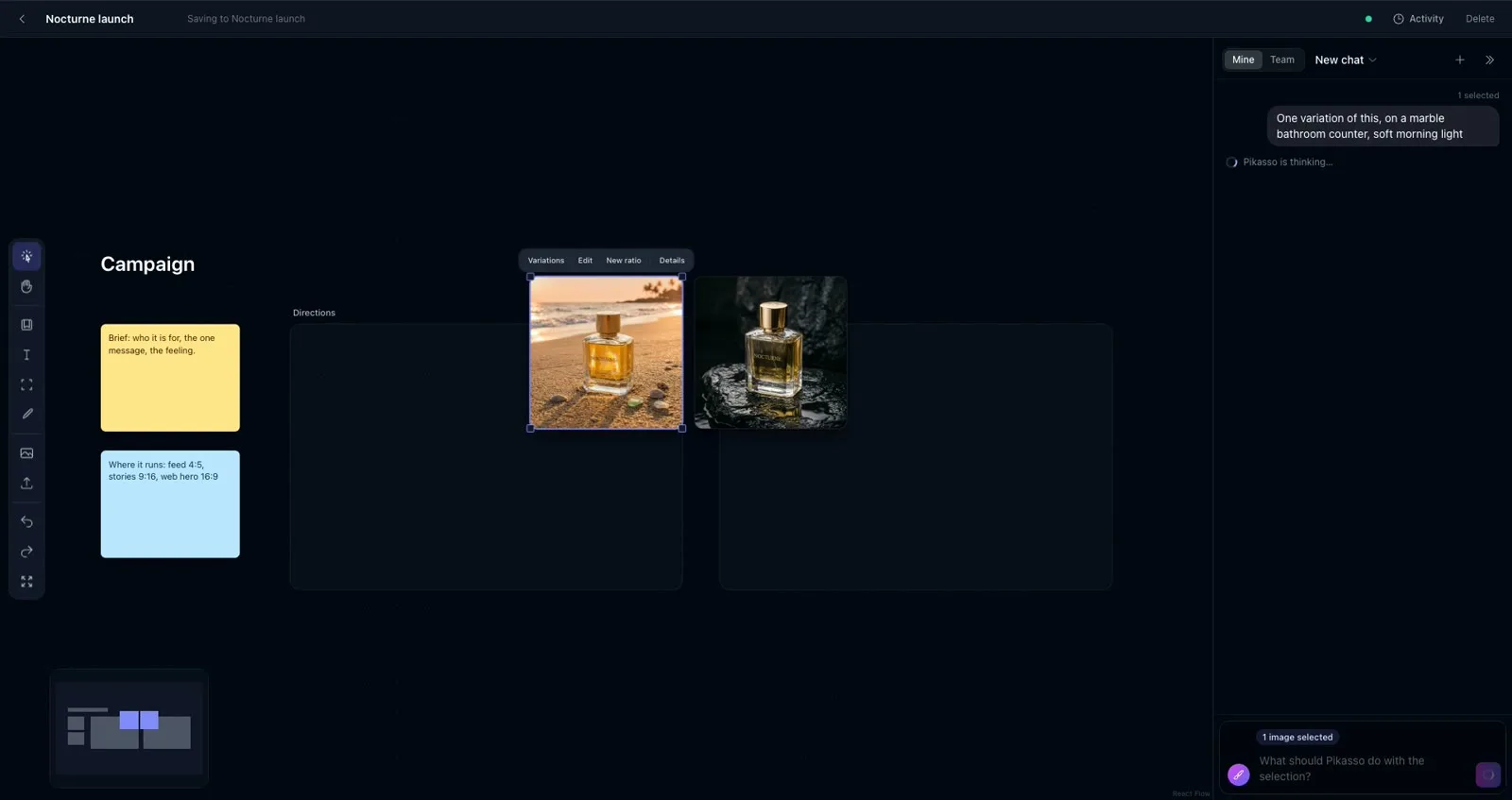
Lay out images and notes together. Select any of them and ask Pikasso for variations, edits or a new format. New ideas branch off the original, so nothing gets lost.
Included in AI Pik. Pay only for the images you make.
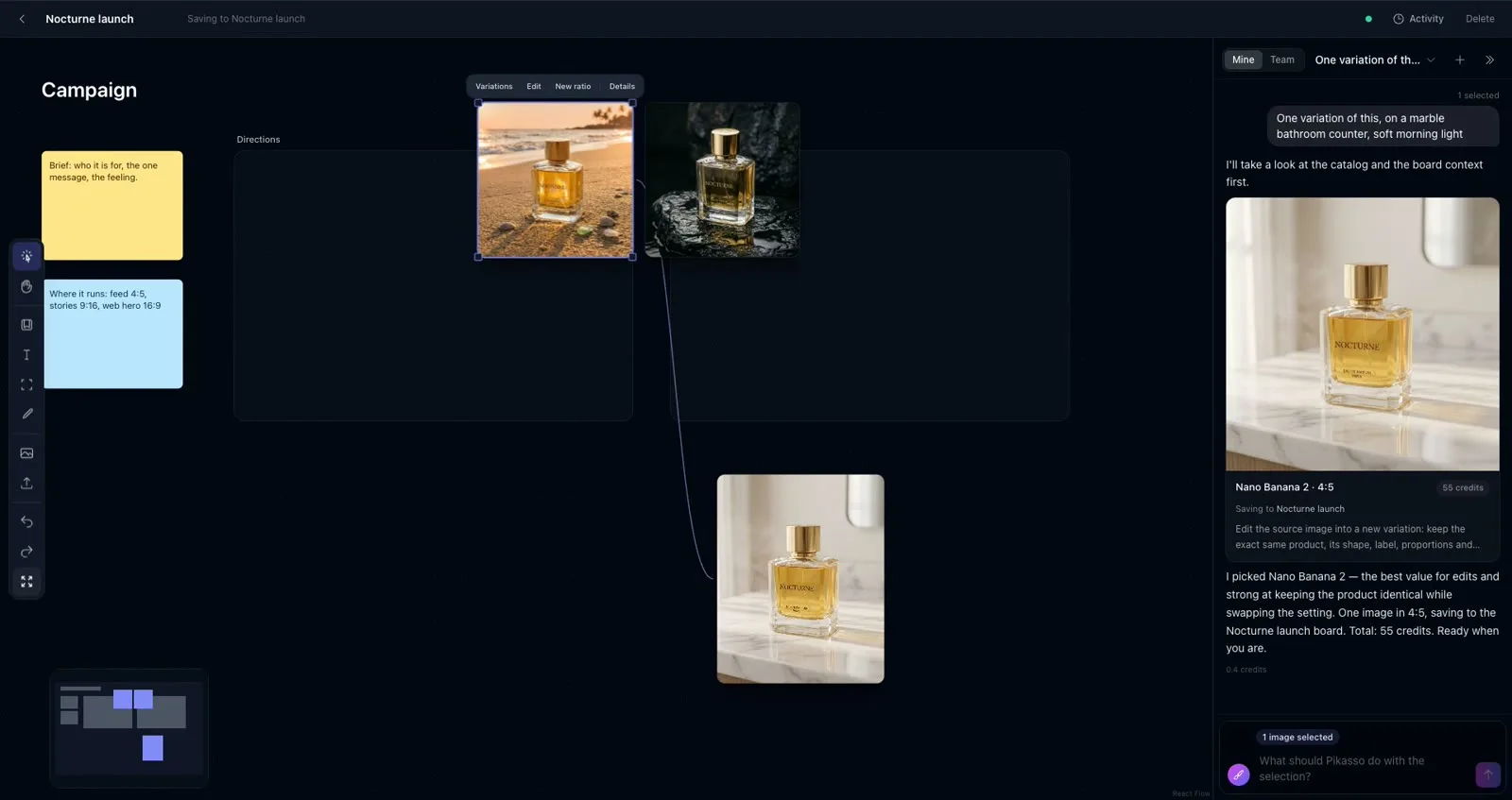
A real board. The marble counter shot was made from the beach shot, which is why they’re joined by an arrow.
Point at it. Ask for it.
- 1
Start from a template
Campaign, moodboard, product shots or team headshots. Or a blank canvas.
- 2
Drop in your images
Upload photos or pull them from your Library. Add notes, text and frames for the brief.
- 3
Select, then ask Pikasso
"3 variations", "this as a 9:16 story", "put the bottle from image 1 on the beach from image 2". You see the plan and the cost first.
- 4
Watch ideas branch
New images land next to the one they came from, joined by an arrow. Every direction stays visible.
Built for campaigns, not one-off images.
- Real time, together
- Everyone in your workspace sees edits and new images as they happen.
- Your chat or the team chat
- Ask Pikasso privately, or in one shared thread where everyone sees who asked for what.
- History you can undo
- The activity log shows who added, moved, edited or deleted what, and restores it in one click.
- On brand by default
- A board in a client folder uses that client’s brand kit automatically.
- Saved to your Library
- Every image on a board is a normal Library image, in the board’s folder, tagged and searchable.
- No new pricing
- Images cost the same credits as anywhere else in AI Pik. Pikasso shows the price before you approve.
For agencies
One board per client campaign. The brief, the directions and the final picks sit side by side, the client’s brand kit is applied automatically, and the whole team works on it at once.
For everyone else
A moodboard that grows as you explore. Instead of a long list of separate generations, you see how every idea led to the next.
Questions
Who can see my board?
Only people in your workspace. There are no public links; invite teammates from Team settings.
Does it cost extra?
No. Boards are included. You only spend credits on the images you approve, at the normal price per model.
Which AI models can Pikasso use?
The same ones as the rest of AI Pik, including GPT Image 2, Nano Banana 2, Seedream and FLUX. Pikasso picks a good one and tells you why; you can ask for another.
Can I use it on my phone?
Yes. Boards work on phones too: tap to select, and Pikasso opens from the bottom.